1
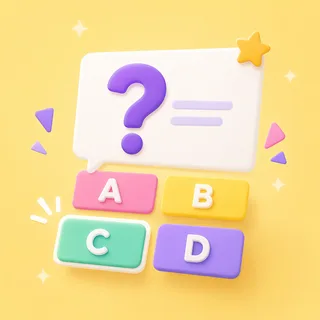
A question appears with several answers.
Up on the projector and on every student’s device at once — the same question, four big answers, readable from the back row.
Host a live quiz show.
The full game-show treatment for whatever you taught this week. Host it big on the projector while students buzz in from their own devices — leaderboard drama included.
Also known as: kahoot-style quiz · trivia game
That's the goal — no rules to teach. Here's how a round of Quiz runs.
Up on the projector and on every student’s device at once — the same question, four big answers, readable from the back row.
Buzz in from a phone, tablet or chromebook, or call it out for the teacher to tap on the board. A countdown keeps every round moving.
Points scale with your speed, and a streak keeps paying a bonus — so it isn’t only the fastest kids who climb. Team mode splits the class into sides.
The same Quiz works as a front-of-class game show, a live buzz-in on their devices, or self-paced revision. Pick at press-play — nothing to rebuild.
Project one board and the whole class plays it together — students shout the answer while you (or the kid whose turn it is) taps. No devices, no setup, no codes.
Zero devices · zero prepThis is the game-show mode — students go to boardee.app/join and buzz in from phones, tablets or chromebooks. Points for speed, a leaderboard between rounds, and no student accounts.
Join code or QR · no student accountsShare one play link and the same questions become self-paced revision, a soft start or homework. Each student answers at their own pace and results roll in — score and time, no chasing.
One link · results tracked for youIf your topic has right answers — facts, dates, vocab, mental maths — it's already a quiz. Type the topic; AI writes the questions and the wrong answers too.
What force pulls things down?
When did World War II end?
What is the capital of Japan?
What is 7 × 8?
Which word is a verb?
“Gracias” means…
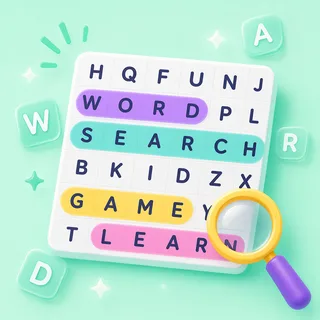
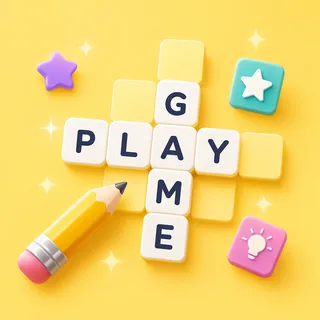
The Arcade is a library of classroom games that all drink from the same topic box. When the questions have been asked, the identical topic becomes a matching game, a crossword or a word search — same content, new game, zero re-typing.
Ready-made from the Discover shelves, AI-built from your topic, or typed by hand — every door ends at the same play button.
Search the Discover shelves — curated games plus rounds shared by other teachers. Find one that fits and press play.
Type what you're teaching and the Arcade writes your Quiz in under a minute. Check it, tweak anything, play.
Every Quiz has a plain editor underneath — your exact list, row by row, no AI in the loop.
Every Arcade game starts from the same box: type what you're teaching and the content writes itself — questions, words, clues — ready for the board at the front of the room.
Game types in the Arcade — one topic box fills them all
From typing a topic to pressing play
Student accounts — a code and a first name is the whole login
Steps every time: type it, check it, play it
You host on the projector; students go to boardee.app/join on any browser and enter the 6-digit code. Phones, tablets, chromebooks — anything works.
It's the same live-quiz energy — timed questions, points for speed, a leaderboard between rounds — plus Team mode and a streak bonus, with no student accounts ever.
Yes. Give it any topic and grade level and it writes a full quiz in under a minute. Edit anything, write your own, or grab a ready-made pack.
Yes. Live quizzes are included on Boardee's free tier — every game type is.
Never. Students join with a code and a name — no emails, no passwords. Teachers don't need an account to try it either.
Same three steps, different game. Type a topic and pick your shape.

Type it in, check the content, press play. The Arcade does the rest.