




1
Open the dock and tap Scoreboard
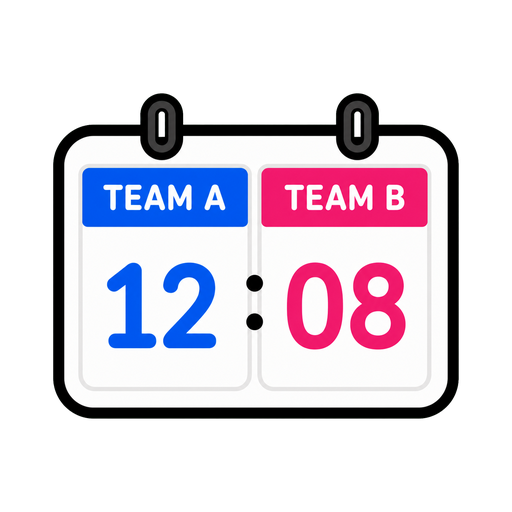
It arrives with two teams ready — rename them and pick their colours.
Points on the board — teams, tables, the whole term.
Two teams or ten, one tap per point, and a score the back row can read. Suddenly every review activity is a game.
Also called: leaderboard · points tally
No setup screen, no import wizard — Scoreboard lives on the same board as everything else and it's running before the class has sat down.
The whole setup: tap it on the dock, drag it where the class can see it.
It arrives with two teams ready — rename them and pick their colours.
Plus and minus on each team. Big digits update instantly, so the room always knows where things stand.
Side by side, stacked, or a ranked leaderboard when more than two teams are in play.
Three ways teachers actually run scoreboard — steal one for tomorrow morning.
Teams, questions read aloud, tap-to-score. The same ten problems that got groans on paper get cheers on a scoreboard.
One column for them, one for you. They score when routines are nailed; you score when they're not. Beloved, feared, effective.
Five questions to end the week, leaderboard layout on — tables watch themselves get ranked live as the points land.
Every tool lives on the same board — these turn scoreboard into a whole routine.



…and the rest of the dock is one tap away:
As many as your room needs — the leaderboard layout keeps bigger contests readable and ranked.
That's the point. Resize the widget and the digits scale with it — it's built to be read across a classroom.
Yes — scores live on your board, so a week-long house competition picks up exactly where it left off.
No — no login, no install. Scores save with the board on this device; an account is only for keeping boards across devices.

Open a board, tap the dock, and it's there. That's the whole setup.


