Boardee for elementary teachers

One board that runs your whole elementary day

Morning meeting, transitions, tidy-up timers, class points — the little routines that hold an elementary classroom together, all on one screen your kids can actually read from the carpet. Set it up once and it's waiting for you every morning.

  • Free for teachers · no login to try
  • Students never need accounts
  • Runs in the browser — nothing to install
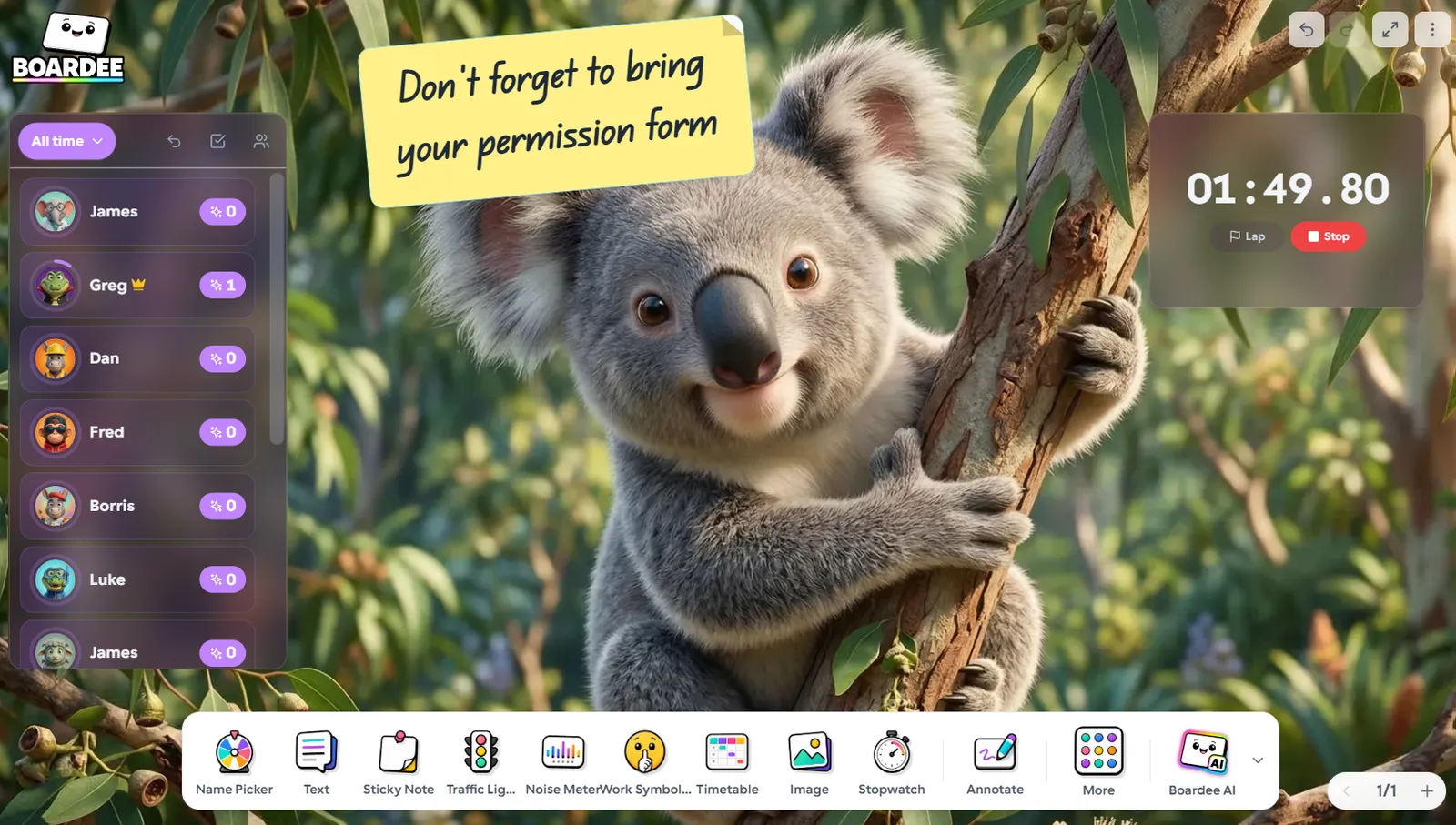
A Boardee board over a friendly koala scene with timer, name wheel and daily widgets
A day on the board

Moments Boardee wins back

Three beats from a real day with this class — and what's on the screen during each one.

8:45 — morning meeting without the scramble

The board is already up when the class walks in: today's calendar, the weather, the visual timetable, and the joke of the day. Your calendar helper taps the date, everyone groans at the joke, and you've started the day without touching a marker.

10:30 — the four-minute tidy-up

Math stations are over and the room looks like it. You start a four-minute timer big enough to see from every table, and suddenly tidying is a race against the clock instead of a nagging contest. When the timer hits zero, the class earns a point on the Awards tracker.

2:50 — five golden minutes

The last bags are packed early, so the class has earned a game. You open Memory Tiles with this week's vocabulary — the AI filled it with your spelling words in under a minute — and the day ends with everyone facing the board instead of the door.

The dock

The tools you'll use daily

Every one lives on the dock of your board, a tap away. Open a card to see how teachers run it.

All 38 tools →

Calendar

Today's date, front and centre — or the whole month.

Weather

Today's sky on the board — sun, rain and what to wear out.

Timer

Count down anything — transitions, tasks, tidy-ups.

Name Picker

Spin the wheel — fair turns, no arguments.

Noise Meter

The class watches its own volume — you retire from shushing.

Awards

Class points that build to something — with confetti.

Joke of the Day

One groan-worthy joke, fresh each day.

Timetable

Today's plan on the board, with a bar showing where you are.

The arcade

Three games your class will ask for

Type your topic and the AI fills any of these in under a minute — or write the content yourself, even faster.

All 25 games →
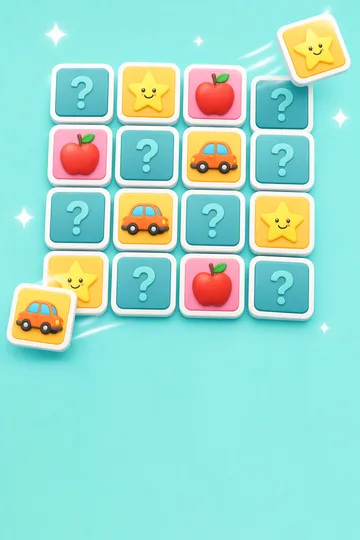
Memory Tiles game tile

Memory Tiles

Flip and match hidden tiles.

Snowman game tile

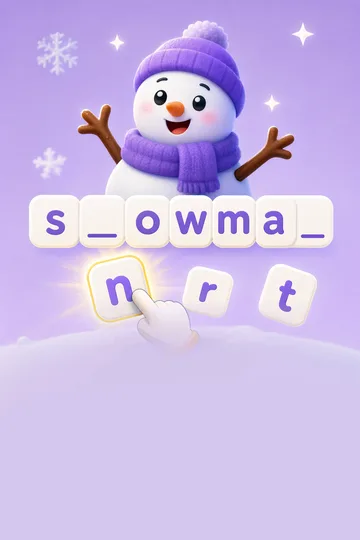
Snowman

Guess letters before the snowman melts.

Matching game tile

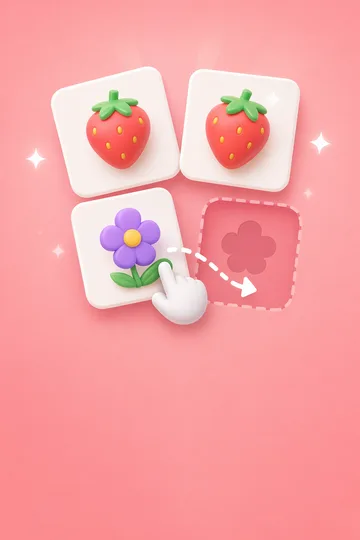
Matching

Match each pair together.

How the AI turns your topic into a game →
Zero setup

Ready before the bell rings.

Boardee runs in the browser with nothing to install and no accounts to manage — for you or your students. Build the board once and it's waiting every morning.

  • No student accounts — live games join with a 6-digit code
  • Works on any classroom computer or interactive panel
  • Your board saves itself — set it up once, reuse it all year
38

Tools on the dock, all included free

25

Class games in the arcade

0

Student accounts, logins or installs

60s

From typing a topic to a playable game

I keep one board for the whole week — timetable, name wheel, timer — and just swap the background when the room needs a lift.
Dana Whitfield 3rd Grade Teacher
Good to know

Questions from elementary teachers

Is the text big enough to read from the carpet?

Yes — every tool is designed to be projected. Timers, the name wheel, and the noise meter all render large and clear, and you can resize any widget by dragging its corner if your youngest readers need it bigger.

Can I save a different board for each part of the day?

You can. Many elementary teachers keep a morning-meeting board, a stations board with timers ready, and an end-of-day board, then switch between them in one click. Each board remembers its layout and background.

Will the AI content be appropriate for young kids?

You choose the topic and the grade level when you generate game content, so a spelling list for 2nd grade comes out at a 2nd-grade level. You can always review and edit anything before it goes on the board.

Do my students or I need accounts?

No. You can open Boardee and start using every tool without signing up — your board saves on your device. Students never need accounts; for live games they just type a 6-digit code. Create a free account only when you want your boards to follow you between devices.

Boardee
Loved in staff rooms — free for teachers

Tomorrow's board, ready tonight

Open a board, drop on your daily tools, and walk in set up.