Boardee for substitute teachers

Walk into any classroom with your own board already set up

You don't know the room, the routines, or where anything is — but you can know your board. Boardee runs in a browser with no login, so your timer, timetable, noise meter and name picker are ready on any classroom computer within a minute of you finding the projector cable.

  • Free for teachers · no login to try
  • Students never need accounts
  • Runs in the browser — nothing to install
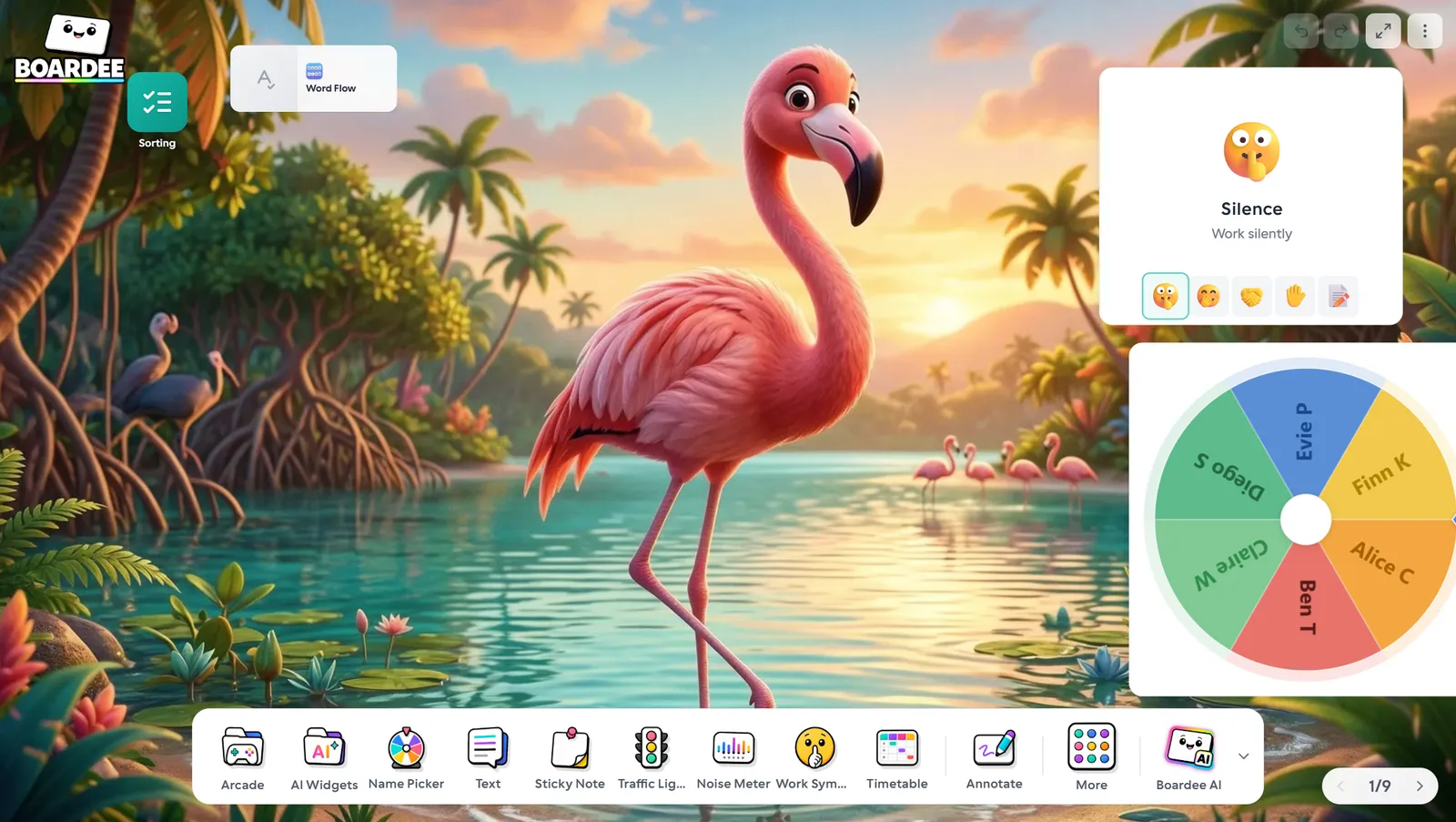
A ready-to-project Boardee board with timetable, timer and noise meter widgets
A day on the board

Moments Boardee wins back

Three beats from a real day with this class — and what's on the screen during each one.

8:40 — you've never met this class

Board up, timetable widget showing the day's plan, your name on a sticky note in the corner. A class that can see the schedule argues about it far less — and you look like you've taught in this room for years, not four minutes.

The lesson plan ran short

The worksheet the teacher left took 20 minutes, not 40. Instead of inventing something on the spot, you open Snowman with words from whatever's on the wall displays, or a quick class game of Tic Tac Toe, review-question-to-earn-your-square. Dead time is where sub days go wrong; you just deleted it.

After lunch — the volume test

Every sub knows the after-lunch surge. You put the noise meter on the screen and make it the referee: "keep it under the line and we'll have game time at 2:45." The class polices itself, and you're not the stranger who shushed them all day.

The dock

The tools you'll use daily

Every one lives on the dock of your board, a tap away. Open a card to see how teachers run it.

All 38 tools →

Timer

Count down anything — transitions, tasks, tidy-ups.

Timetable

Today's plan on the board, with a bar showing where you are.

Noise Meter

The class watches its own volume — you retire from shushing.

Name Picker

Spin the wheel — fair turns, no arguments.

Traffic Light

Red, yellow, green — the whole room knows the mode.

Sticky Note

Reminders that stay stuck until you say so.

The arcade

Three games your class will ask for

Type your topic and the AI fills any of these in under a minute — or write the content yourself, even faster.

All 25 games →
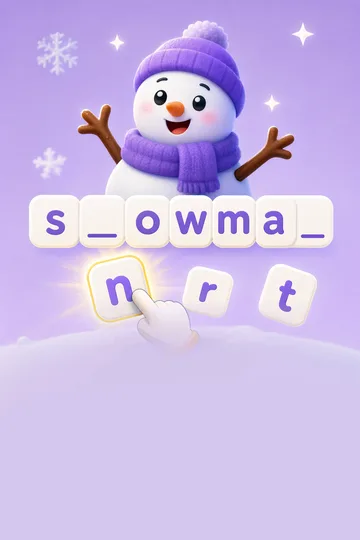
Snowman game tile

Snowman

Guess letters before the snowman melts.

Tic Tac Toe game tile

Tic Tac Toe

Classic three-in-a-row.

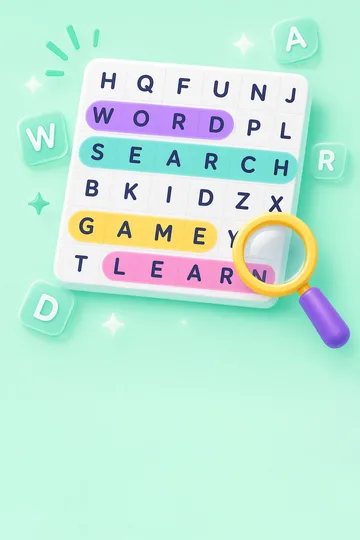
Word Search game tile

Word Search

Find hidden words in a letter grid.

How the AI turns your topic into a game →
Zero setup

Ready before the bell rings.

Boardee runs in the browser with nothing to install and no accounts to manage — for you or your students. Build the board once and it's waiting every morning.

  • No student accounts — live games join with a 6-digit code
  • Works on any classroom computer or interactive panel
  • Your board saves itself — set it up once, reuse it all year
38

Tools on the dock, all included free

25

Class games in the arcade

0

Student accounts, logins or installs

60s

From typing a topic to a playable game

As a sub, walking in with my own board ready to project changes everything. Timer up, expectations up, and the class settles fast.
Marcus Lee Substitute Teacher
Good to know

Questions from substitute teachers

Can I really use this on a school computer I've never touched?

Yes — Boardee runs entirely in the browser. Open boardee.app, and your tools are there. No install, no IT ticket, no waiting for an admin password. If you sign in with a free account, the board you built at home appears exactly as you left it.

What if I don't know the class's names?

Ask a student to read the register while you type names into the Name Picker — it takes two minutes and pays off all day. Or skip names entirely: the dice, traffic light, timer and whole-class games work with zero setup.

What's the fastest time-filler when a plan runs short?

Snowman or Word Search with the topic the class is studying — the AI generates the words in under a minute, or you can type five words yourself even faster. Both work projected with no student devices needed.

Do I need an account? Do the students?

Neither. Boardee works with no login at all — the board saves on the device you're using. Students never need accounts. A free account is worth it for subs specifically because it carries your ready-made board from school to school.

Boardee
Loved in staff rooms — free for teachers

Tomorrow's board, ready tonight

Open a board, drop on your daily tools, and walk in set up.