







1
Open the dock and tap Wallpaper
The background picker opens with solid colours, gradients, patterns and images.
Set the scene — colours, patterns, photos, even video.
The backdrop behind everything on your board. Calm gradients for focus time, a beach for the last week of term, subtle graph paper for maths — swap the mood in two taps.
Also called: board background · backdrop
No setup screen, no import wizard — Wallpaper lives on the same board as everything else and it's running before the class has sat down.
The whole setup: tap it on the dock, drag it where the class can see it.
The background picker opens with solid colours, gradients, patterns and images.
Soft solids for everyday, patterns like dots and graph paper, your own photo, or an animated scene.
Blur or dim any wallpaper so your widgets stay the star and the backdrop stays backstage.
Three ways teachers actually run wallpaper — steal one for tomorrow morning.
A calm gradient for work time, something joyful for golden time. The backdrop tells the room which class it's walking into.
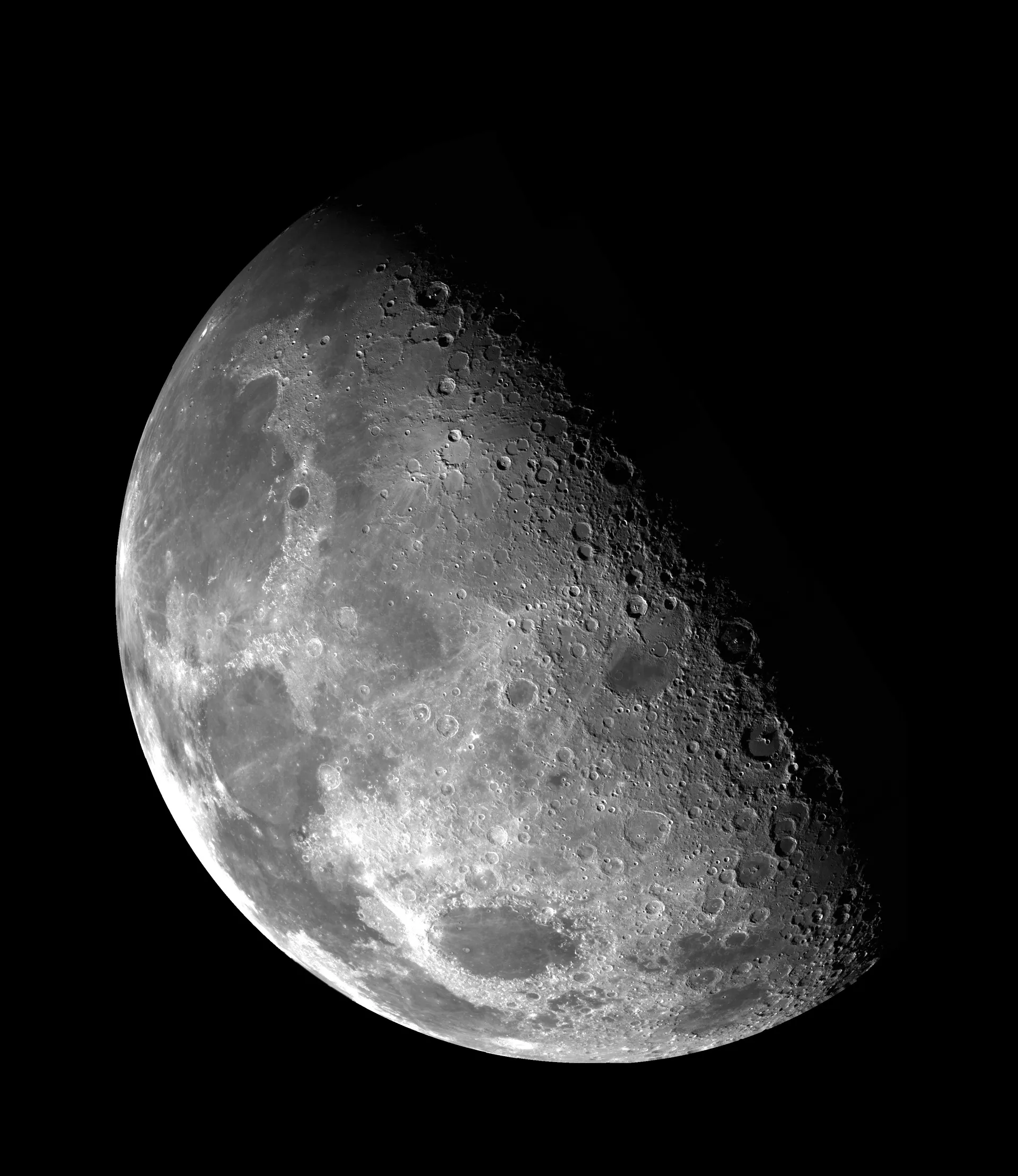
Space wallpaper for the space topic, ocean for the ocean one. When the room commits to the bit, so do they.
A rainy-window video behind silent writing, a crackling fireplace for December reading time. The cheapest atmosphere upgrade in teaching.
Every tool lives on the same board — these turn wallpaper into a whole routine.



…and the rest of the dock is one tap away:
Yes — upload or link an image and choose how it fills the screen.
That's what the dim and blur sliders are for — keep the picture, soften it behind your widgets.
It can — set a YouTube video as a live backdrop for ambience days: fireplaces, aquariums, gently falling snow.
No — no login, no install. Your wallpaper saves with the board on this device; an account only matters across devices.

Open a board, tap the dock, and it's there. That's the whole setup.


