



1
Open the dock and tap Dice
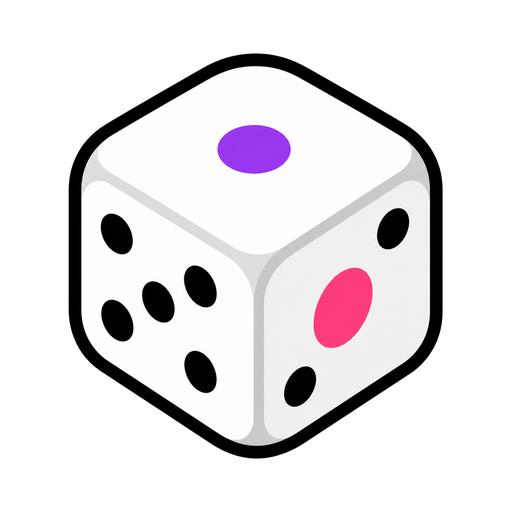
A classic die appears on your board, ready to roll.
Roll dice, flip coins, pick letters — randomness on tap.
One widget, every kind of random: dice by the handful, coin flips, random letters and numbers, even rock-paper-scissors. If a decision needs luck, this settles it.
Also called: dice roller · coin flipper · random generator
No setup screen, no import wizard — Dice lives on the same board as everything else and it's running before the class has sat down.
The whole setup: tap it on the dock, drag it where the class can see it.
A classic die appears on your board, ready to roll.
Dice, coin flip, random letter, random number, your own list of choices, colours, maths operations or rock-paper-scissors.
Tap and it tumbles, sound and all. Multiple dice show a running total automatically.
Three ways teachers actually run dice — steal one for tomorrow morning.
Two dice: race to multiply the pair. Three dice: build the biggest three-digit number. The tray totals itself while they check.
Choice mode with characters, settings and problems — roll a hero, a place and a disaster, and the writing prompt writes itself.
Predict, then roll one die thirty times and tally. The gap between what they expected and what happened is the whole lesson.
Every tool lives on the same board — these turn dice into a whole routine.
…and the rest of the dock is one tap away:
Yes — build a tray of dice and it totals them for you. Handy for probability lessons and board games alike.
Heads or tails, one tap. There's also a rock-paper-scissors mode for settling the truly important disputes.
Yes — choice mode rolls on any options you type in, so 'which table shares first' takes zero deliberation.
Turn on avoid-repeats and it won't land on the same result again until it's used up the alternatives.
No — open a board and roll, no login or install. Boards save on this device; an account only matters across devices.

Open a board, tap the dock, and it's there. That's the whole setup.


