





1
Open the dock and tap Number Line
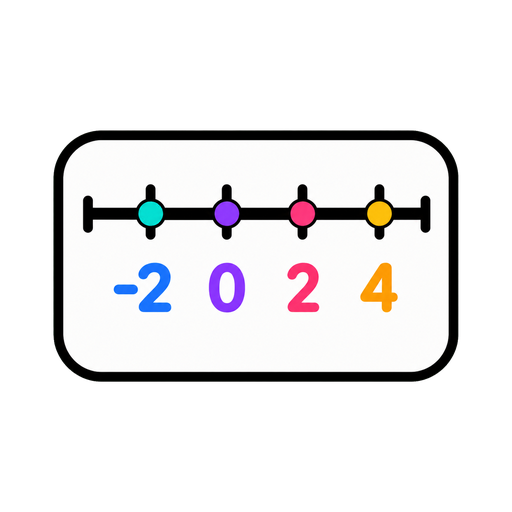
A clean line lands on your board, zero to twenty out of the box.
A number line you can resize, relabel and reuse.
Set the range, set the step, and get a clean number line the back row can read. Counting, negatives, skip-counting — without redrawing a wobbly one in marker.
Also called: interactive number line · counting line
No setup screen, no import wizard — Number Line lives on the same board as everything else and it's running before the class has sat down.
The whole setup: tap it on the dock, drag it where the class can see it.
A clean line lands on your board, zero to twenty out of the box.
Zero to twenty for counting, negatives for temperature, steps of five for skip-counting.
Mark a range on the line to show an interval, a jump, or where the answer must live.
Three ways teachers actually run number line — steal one for tomorrow morning.
Call a number and have students point to where it belongs before you highlight the interval. Estimation instinct, built daily.
Range −10 to 10 all winter, and plot the morning temperature on it. Negative numbers stop being abstract the first frosty day.
Model subtraction as jumps: highlight from 37 back to 19 and count the hops together. The line shows what the algorithm hides.
Every tool lives on the same board — these turn number line into a whole routine.



…and the rest of the dock is one tap away:
Yes — set any range you like, negatives included. Temperature lessons approve.
Yes — any step size, so the same widget covers counting by ones and skip-counting by 25s.
Yes — mark a range on the line to show an interval or a jump between numbers.
No — no login, no install. Your setup saves with the board on this device; an account is only for other devices.

Open a board, tap the dock, and it's there. That's the whole setup.


