



1
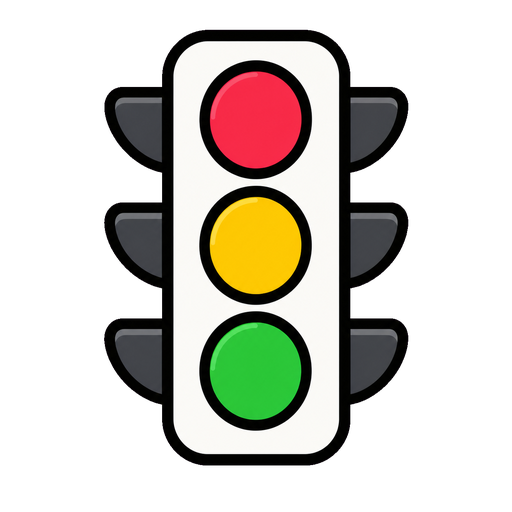
Open the dock and tap Traffic Light
It drops in vertical or horizontal — whichever fits your board.
Red, yellow, green — the whole room knows the mode.
One glowing light that answers the question students ask most: what are we supposed to be doing right now? Change it in a tap; the room adjusts without a word.
Also called: stoplight · red yellow green signal
No setup screen, no import wizard — Traffic Light lives on the same board as everything else and it's running before the class has sat down.
The whole setup: tap it on the dock, drag it where the class can see it.
It drops in vertical or horizontal — whichever fits your board.
Red might be 'silent work', green 'free discussion'. Your labels, your rules.
One tap changes the light. The colour reads from the back row, so the class adjusts without you saying a thing.
Three ways teachers actually run traffic light — steal one for tomorrow morning.
Red is silent start, yellow partner whisper, green open discussion — the lesson's gears change without you announcing each one.
During group work: green 'I'm circulating', yellow 'finishing with a group', red 'ask three before me'. Interruptions drop by half.
Amber as the polite heads-up before any consequence. Most rooms correct at yellow — and nobody got named to get there.
Every tool lives on the same board — these turn traffic light into a whole routine.


…and the rest of the dock is one tap away:
Yes — each light takes a short label shown beside it. 'Voices off', 'partner talk', 'ask three before me' — whatever your system is.
Both. Stand it in a corner or lay it along the top of the board.
Yes — switch it to neutral when it's not in use, so the colours keep their meaning when they do light up.
No — no login and nothing to install. Your board saves on this device; an account only matters for using it across devices.

Open a board, tap the dock, and it's there. That's the whole setup.


